VRay 4.2 for Sketchup 完整版图文安装教程+免费下载
⛔windows安装之前一定要关闭杀毒软件及系统自带的安全中心,查看关闭系统自带安全中心教程
下载资源
系统要求:Windows 7/8/10/11 | 处理器 1GHz 或更快 | 内存 4GB 或更高 | 硬盘 3GB 可用空间
- 完整版安装前关闭杀毒软件和防火墙,避免误拦截。
- 安装时以管理员身份运行安装程序,确保权限充足。
- 激活教程操作时断开网络连接,防止激活失败。
- 安装路径避免使用中文或特殊字符,防止出现兼容问题。
- 安装完成后不要轻易更新软件,以免影响正常使用。
1.下载解压安装包
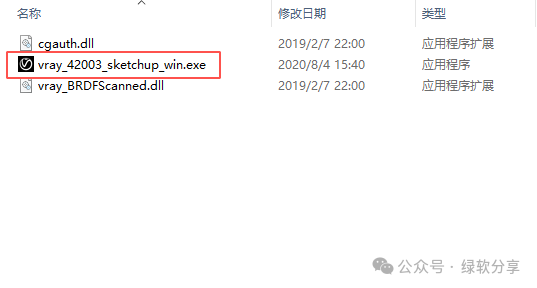
2.双击运行“vray-42003-sketchup-win.exe”
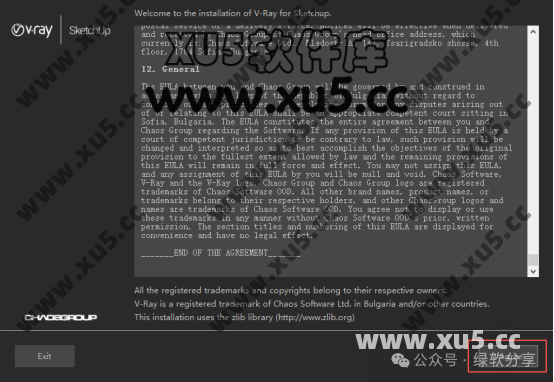
3.点击“I Agree”
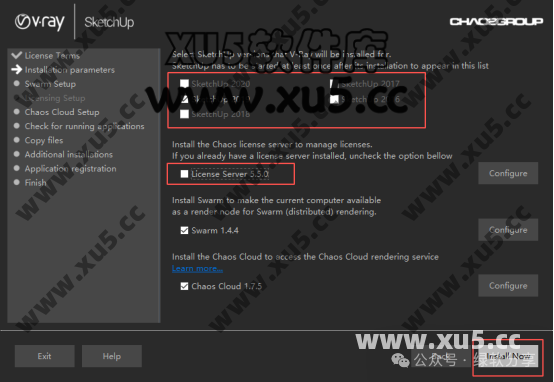
4.选择对应的Sketchup版本,取消“license 5.5.0”的勾选,后点击“Install Now”
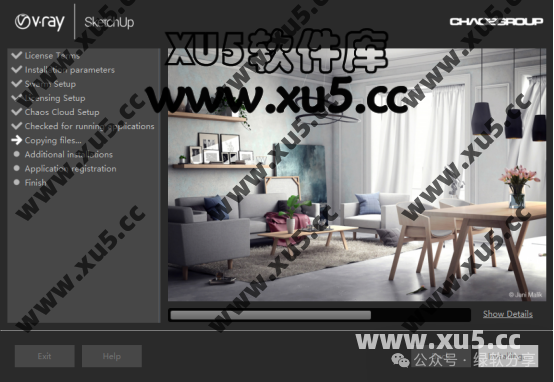
5.安装中
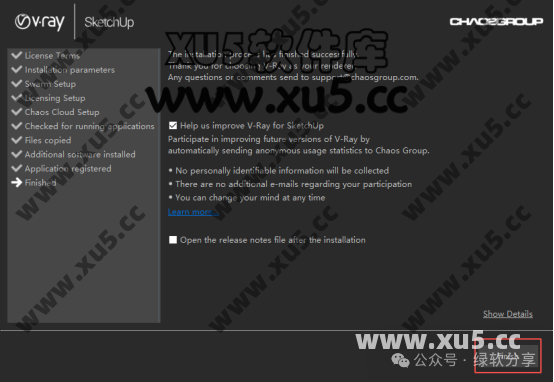
6.点击“Finish”
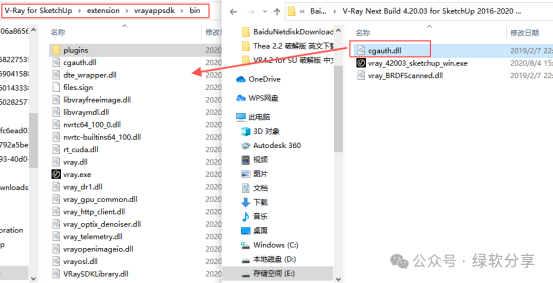
7.打开安装包,将拷贝“cgauth.dll’到C:\Program Files\Chaos Group\V-Ray\V-Ray for SketchUp\extension\vrayappsdk\bin
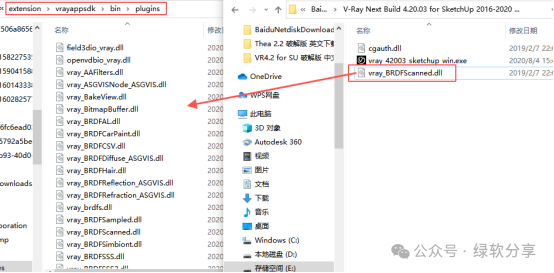
8.拷贝“vray_BRDFScanned.dll”到C:\Program Files\Chaos Group\V-Ray\V-Ray for SketchUp\extension\vrayappsdk\bin\plugins
9.安装破解完成,可以正常使用。
遇到问题可在下方评论区留言反馈:如下载链接失效、不是最新版本、提取码错误、安装报错等,我们会尽快处理。
